
Add Pinterest Pin It Button To Wordpress Page & Post
I was working on one web design project for vintage event/theme rental company, Intaglio Vintage of which you have seen the teaser on my Facebook Page. And since Pinterest has been very common for…
I was working on one web design project for vintage event/theme rental company, Intaglio Vintage of which you have seen the teaser on my Facebook Page. And since Pinterest has been very common for the owners, I propose the idea of adding the Pinterest Pin It button for their blog post and inventories. After researching for some plugin or similar feature for this, I only found the Pin It Button for the Bookmark on Website Browser. You can use it by simply dragging the button to your bookmark of either Safari, Chrome, or Firefox. Another one is Pinterest Follow Button, which I have also added on Intaglio Vintage's website header. Pinterest also provide the Pin It button for website which I thought could be the solution for this project. Sadly, this only works if you set the url of the website and url to the image of which you want people to pin. In the plus side, it works like the Facebook Like button as it comes with the count bubble. Then I decided to grab the code from the Pin It Button for Bookmark, attach it on a button and add it to the website. After few test and help from PiotrKrzyzek.com, I managed to add the Pin It button (Designed by Chykalophia Design) to the end of the blog post as shown on the image below. So now, how did we do it you ask? Here's the cheat code you can use:
To use your own button, swap in your image URL and wrap it in the Pinterest bookmarklet link. Or, to use the ready-made button I designed, copy the code below.
To use your own button, swap in your image URL and wrap it in the Pinterest bookmarklet link. Or, to use the ready-made button I designed, copy the code below.

And if you are familiar with the coding, I'm pretty sure you can also use the Pin it ribbon corner button I made to work. See my Showcase page for the live sample.
Keep reading
 Automation & Website Support
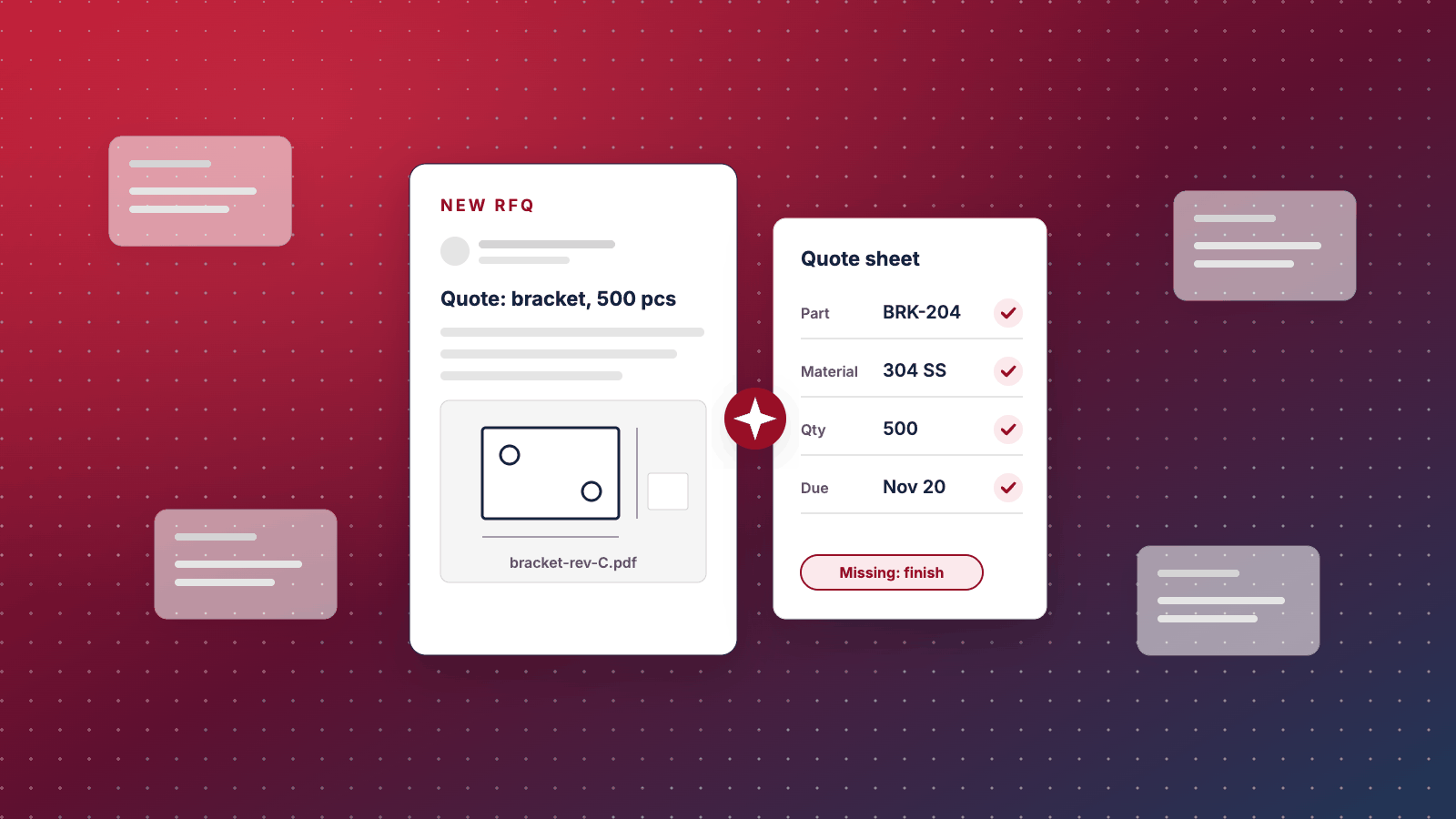
AI for Manufacturing: Start With the Quote, Not the Factory Floor
Most AI for manufacturing advice is about predictive maintenance, vision inspection and digital twins at big-plant scale. For a $2M to $20M manufacturer, the AI that pays back first is usually in the front office: reading RFQs and drawings, drafting quotes and replies, entering orders and finding answers in your own files. Here's how to tell, how to pick your first use case, and what the first 90 days look like.
 UX & Web Design
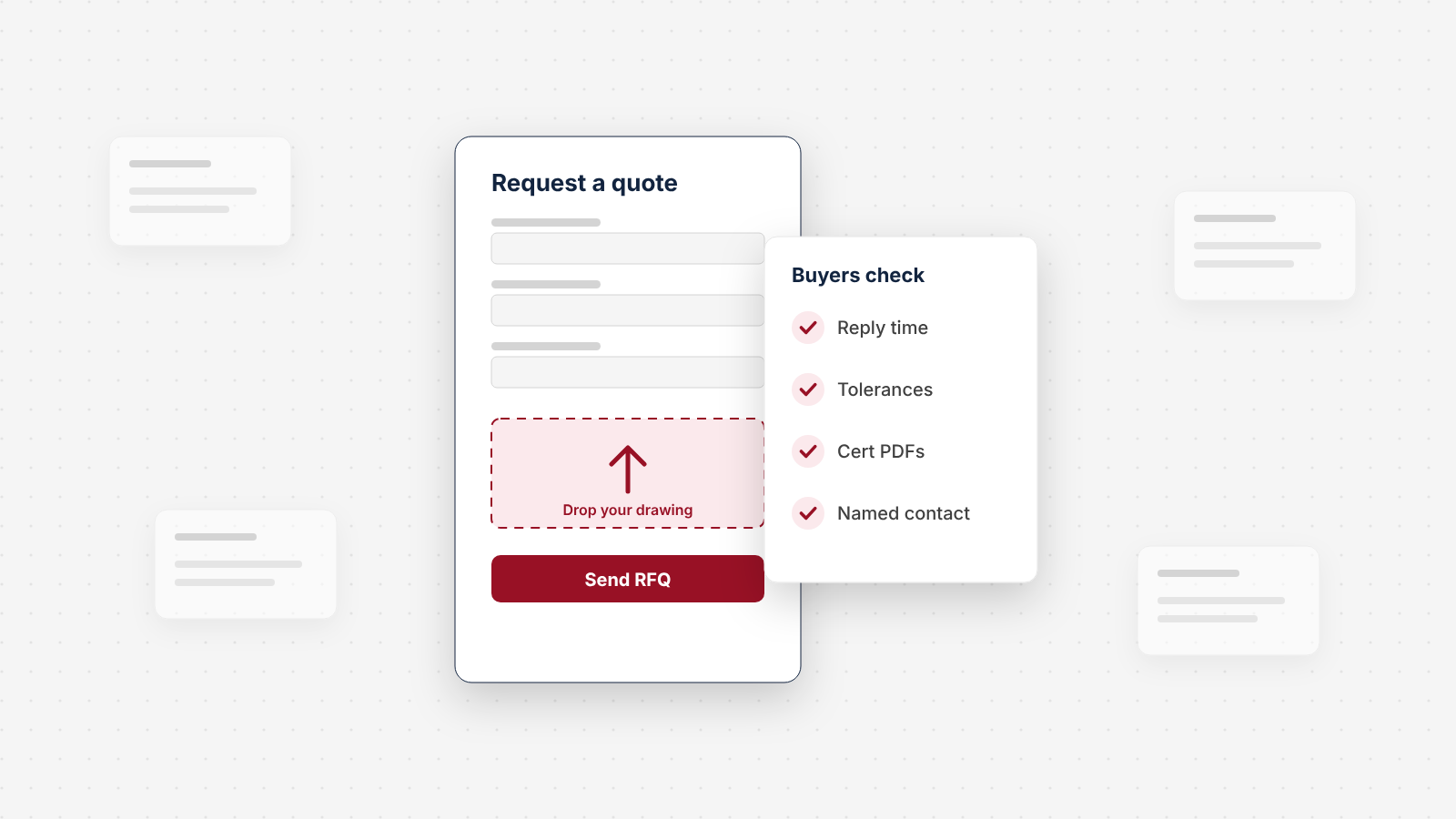
We Audited the Quote Request Path on 150 Manufacturer Websites
We checked how 150 US manufacturers handle the moment a buyer wants a quote: the form, the file upload, the reply promise, the specs and proof around it, and the email behind it. About half have a dedicated quote form. Only 7% say when they'll reply. Here's what we found, sector by sector, and a 10-point check for your own site.
 UX & Web Design
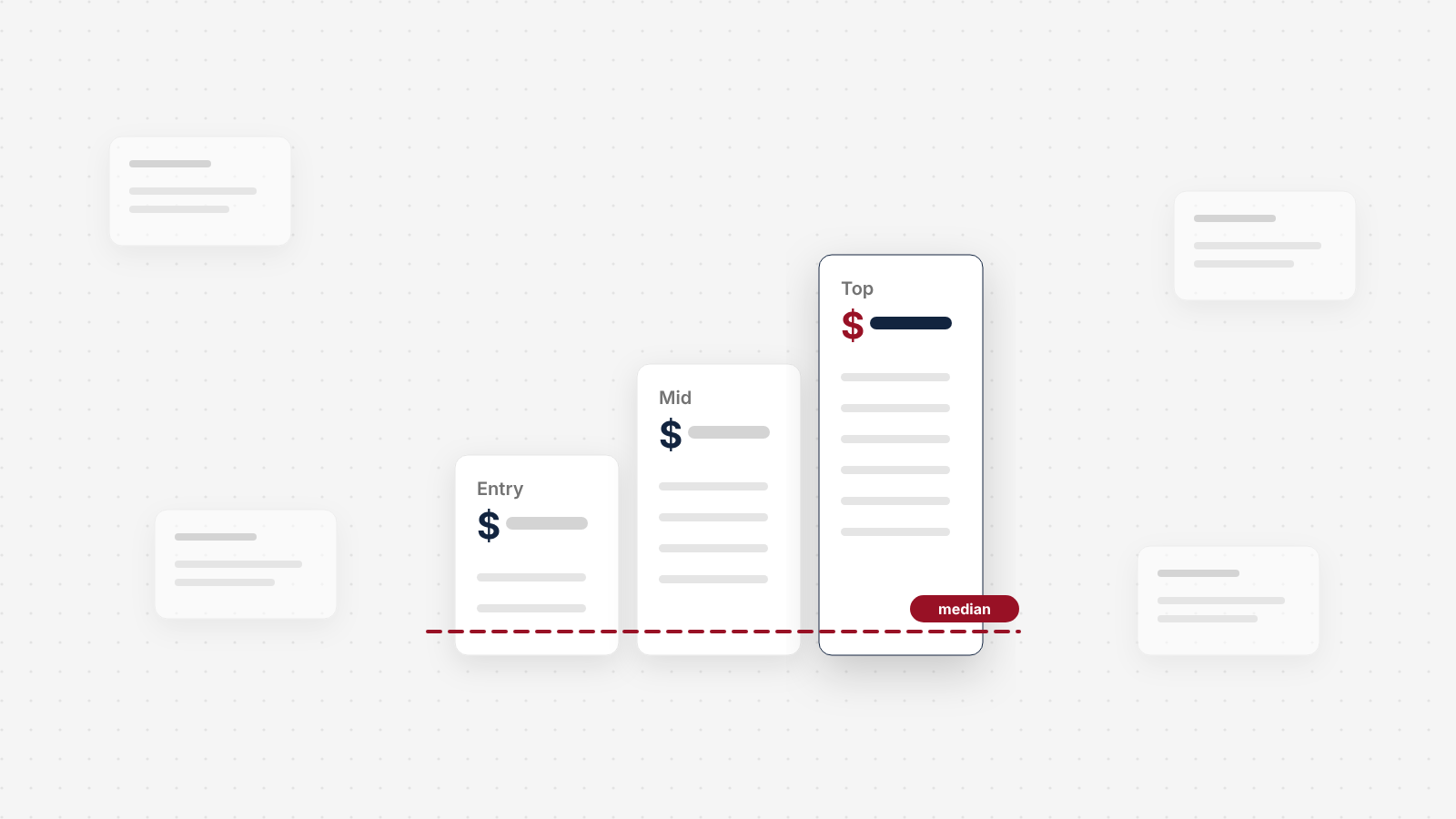
Website Care Plan Prices in 2026: What 72 US Providers Charge
We read the published pricing of 72 US website care providers and logged all 187 plan tiers. The median entry plan is $99 a month. Here's what that buys, what the top tiers add, how few providers test updates or promise a person at night, and the questions to ask before you sign.
See exactly where your site is losing conversions
Paste your URL and get an instant conversion score. No form to fill out, no sales call.
Strategies for businesses building what's next.
Occasional notes on turning B2B websites into pipeline. Unsubscribe any time.

