
B2B Ecommerce UX: What Manufacturers and Distributors Need in an Ordering Portal
B2B buyers aren't browsing. They're reordering, checking specs, and confirming their price. Here's the UX a manufacturer or distributor ordering portal needs, with the features that earn repeat orders.

Most B2B ecommerce sites are designed like a retail store with a login bolted on, and that's the wrong model. Your buyers aren't browsing for something to fall in love with. They're a purchasing manager reordering the same 40 SKUs, an engineer checking a tolerance before a part goes into a drawing, or a distributor confirming their contract price. Good B2B UX is mostly about getting a known job done fast, with no phone call required.
Your buyers would rather not call you
The case for a real self-serve ordering experience isn't a hunch anymore. In a Gartner survey of 646 B2B buyers, run in August and September 2025, 67 percent said they prefer a rep-free experience (Gartner, 2026). That doesn't mean your sales team stops mattering. It means buyers want to handle the routine work on their own (reorders, price checks, order status, document lookups) at 10 p.m., without waiting for a callback.
If your site can't handle that routine work, buyers still do it, just by email, phone, and spreadsheets. That costs your inside sales team hours every week and makes you easier to replace with a distributor whose portal works.
B2B ordering is a different job than retail shopping
Retail UX optimizes for discovery and a first purchase. B2B UX optimizes for the second through hundredth purchase. A few differences drive almost every design decision:
| Retail ecommerce | B2B ordering portal | |
|---|---|---|
| Typical visit | Browse, compare, buy once | Reorder known items, check a spec, confirm a price |
| Who buys | One person with a card | A buyer, an approver, sometimes an engineer who specifies |
| Price | One public price | Account-specific contract or tier pricing |
| Payment | Card at checkout | Card, purchase order, or net terms |
| What wins | Inspiration and a fast first checkout | Speed on repeat orders and accurate technical data |
B2B buyers are at work when they order, and your portal either helps them get that work done or gets in the way.
Six features that make a B2B portal worth logging into
Every major B2B commerce platform now ships some version of these, which is a good sign they matter. Adobe Commerce documents Quick Order, requisition lists, negotiable quotes, shared catalogs, purchase order approvals, and pay on account in its B2B module (Adobe Experience League). BigCommerce's B2B Edition lists custom buyer pricing, configure-price-quote, and share lists with reordering (BigCommerce). Shopify extended company profiles, custom catalogs with their own pricing, quantity rules, and net payment terms to its non-Plus plans in April 2026 (Shopify). Our guide to choosing an ecommerce platform covers which platform to pick. This article is about designing these features so buyers use them.
Make reorder the front door
For a returning buyer, the most valuable screen on your site is their order history. Put a "Reorder" action on every past order, let buyers save named lists ("Monthly line 2 consumables"), and show those lists on the account home page instead of three clicks deep.
How to do it
- Pull your last 12 months of orders and count how many came from repeat accounts buying items they bought before. That share is the size of the reorder opportunity.
- Add a one-click "Reorder all" and a per-line "Add to cart" on every past order in the account area.
- Let buyers save and name lists, and share them with colleagues on the same company account.
- Show the two or three most recent orders and saved lists on the account dashboard, above any promotional content.
See a worked example
Here's a made-up but typical case: a distributor of industrial fasteners whose maintenance buyers order the same assortment every month. Today they open last month's PDF invoice, retype each part number into the search bar, and check quantities one by one. With saved lists, they open "Plant 3 monthly," adjust two quantities, and send it to checkout, so the job shrinks from rebuilding an order to reviewing one.
Tools to use
Adobe Commerce requisition lists and BigCommerce B2B Edition show how mature platforms structure reorder and shared lists.
Offer quick order by SKU
Many B2B buyers already know exactly what they want and have the part numbers in front of them. Make them browse a category tree and you've turned a 30-second task into a 10-minute one. Give them a quick order pad: type or paste SKUs and quantities, or upload a CSV, and add everything to the cart at once.
How to do it
- Add a "Quick order" link to the main navigation for logged-in buyers instead of hiding it in the footer.
- Build a grid with SKU and quantity fields, with type-ahead that matches part numbers and your customers' own cross-reference numbers if you store them.
- Accept a pasted block of "SKU, quantity" lines and a CSV upload for large orders.
- Flag problems inline before the cart: discontinued items with their replacement, minimum order quantities, and case-pack rounding.
See a worked example
A buyer pastes 22 lines from their ERP export. The pad matches 20 instantly, flags one part as superseded with a link to the replacement, and rounds one quantity up to the case pack of 50 with a clear note. They fix two lines instead of hunting through 22 product pages.
Tools to use
Adobe Commerce Quick Order is a good reference implementation. On Shopify, quantity rules handle minimums and increments natively.
Show the buyer their price, not your list price
Nothing undermines trust faster than a logged-in buyer seeing a list price they know is wrong. Once someone signs in, every price on the site (in search results, on product pages, in the cart) should be their account price, including volume breaks.
How to do it
- Map your pricing model before design: tiers, customer-specific contracts, volume breaks, and anything that changes by location.
- Confirm your platform can hold it. Shopify's non-Plus plans allow up to three custom catalogs; unlimited customer-specific catalogs are a Plus feature (Shopify).
- Show volume breaks right next to the quantity field ("1 to 49: $4.20, 50+: $3.85") so buyers can choose the better quantity.
- For anonymous visitors, decide on purpose: show list price, a "Sign in for your price" prompt, or sample prices for common configurations.
See a worked example
A food-service packaging manufacturer sells to distributors on contract and to small restaurants at list. Logged-out visitors see list price and a "Wholesale account? Sign in for your pricing" link. Distributors who sign in see their contract price everywhere, with the case-quantity break shown under each add-to-cart button.
Tools to use
Shopify's B2B for all announcement spells out which pricing features sit on which plan.
Make quote requests a first-class path
Not every order can be priced online. Custom runs, large volumes, and configured products need a quote. The common mistake is treating that as a dead end ("Contact us") when it could be a structured path that captures what your team needs to respond quickly.
How to do it
- Add "Request a quote" on product pages and in the cart, so a buyer can turn a cart into a quote request without retyping it.
- Ask only for what estimating needs: quantities, required date, ship-to location, and an optional drawing or spec upload.
- Tell the buyer what happens next and when ("We reply within one business day").
- When the quote is approved, let the buyer convert it to an order in the portal instead of starting over.
See a worked example
When the product is complex, the quote path can do more of the work. Telling Industries makes a technically complex product line, and buyers struggled to work out the right configuration on their own. We built a custom product configurator as part of a full site rebuild, so buyers could work through the options themselves, and qualified leads tripled after launch.
Tools to use
Adobe Commerce negotiable quotes and BigCommerce's configure-price-quote are useful references for how a quote turns back into an order.
Put spec sheets on the page, not behind a PDF
For engineers and specifiers, the product page is a technical document. If the dimensions, materials, tolerances, and certifications live only in a PDF, you're making them download a file to answer a simple question, and search engines see a thin page. Nielsen Norman Group's guidance is blunt: don't use PDFs for content that could and should be a web page, and when you do offer one, link it from an HTML page that summarizes the key points (Nielsen Norman Group, 2020).
How to do it
- Put the specs buyers filter and compare on in an HTML table on the product page: dimensions, material, ratings, compliance marks.
- Keep the PDF spec sheet, CAD file, and safety data sheet as downloads beside that table, labeled clearly and kept small.
- Let buyers filter categories by the specs they use to choose, in addition to product family.
- Add a "Compare" option for two to four products with the same spec rows lined up.
See a worked example
A valve manufacturer moves pressure rating, connection type, body material, and certifications from its PDFs into a table on each product page, adds filters for those four fields, and keeps the full PDF and CAD downloads in a sidebar. An engineer can now narrow 300 valves to six without opening a single file.
Tools to use
Nielsen Norman Group on PDFs and their collected B2B website research. Our article on what manufacturing buyers check covers the rest of the evaluation.
Support how companies actually pay and approve
A B2B checkout has more people and more payment types in it than a retail one. Buyers may need a PO number field, net terms, a saved card on the company account, and sometimes an approver who signs off above a dollar limit.
How to do it
- List every way your customers pay today: card, PO, net 30 or net 60, credit line.
- Add a PO number field and a "Pay on terms" option for approved accounts, and keep card available for everyone else.
- If your customers have approval rules, support them: buyers submit, approvers get notified and approve in the portal.
- Let each company account have multiple users and ship-to locations, so a buyer at one plant doesn't see another plant's addresses.
See a worked example
A regional distributor has a chain customer with eight locations. Each location manager can build orders, but anything over a set amount routes to the chain's purchasing director for approval. Before the portal, that approval happened by forwarded email. In the portal, it's one notification and one click.
Tools to use
Adobe Commerce purchase order approvals and pay on account, and Shopify's net payment terms, now on non-Plus plans.
The honest part
If this list looks like a year of work, that's a fair reaction, and the good news is you don't need all six on day one. A distributor whose customers mostly reorder should build reorder and quick order first and can live with a simple quote form for a while. A manufacturer of configured equipment should do the opposite. Look at how your orders come in today (by phone, email, and the site) and design for the biggest pile first.
A portal also only works if the data behind it is clean. If your product data, pricing, and inventory don't sync reliably with your ERP, no amount of good UX will hide it, so budget for the integration as well as the screens.
Keep reading
 UX & Web Design
How to Create an Autism-Friendly Website: 5 Mistakes to Avoid and How to Test
An autism-friendly website is calm, predictable, and literal. That also describes a site a busy B2B buyer can use in two minutes. Here are five common mistakes, how to fix them, and how to test your site.
 UX & Web Design
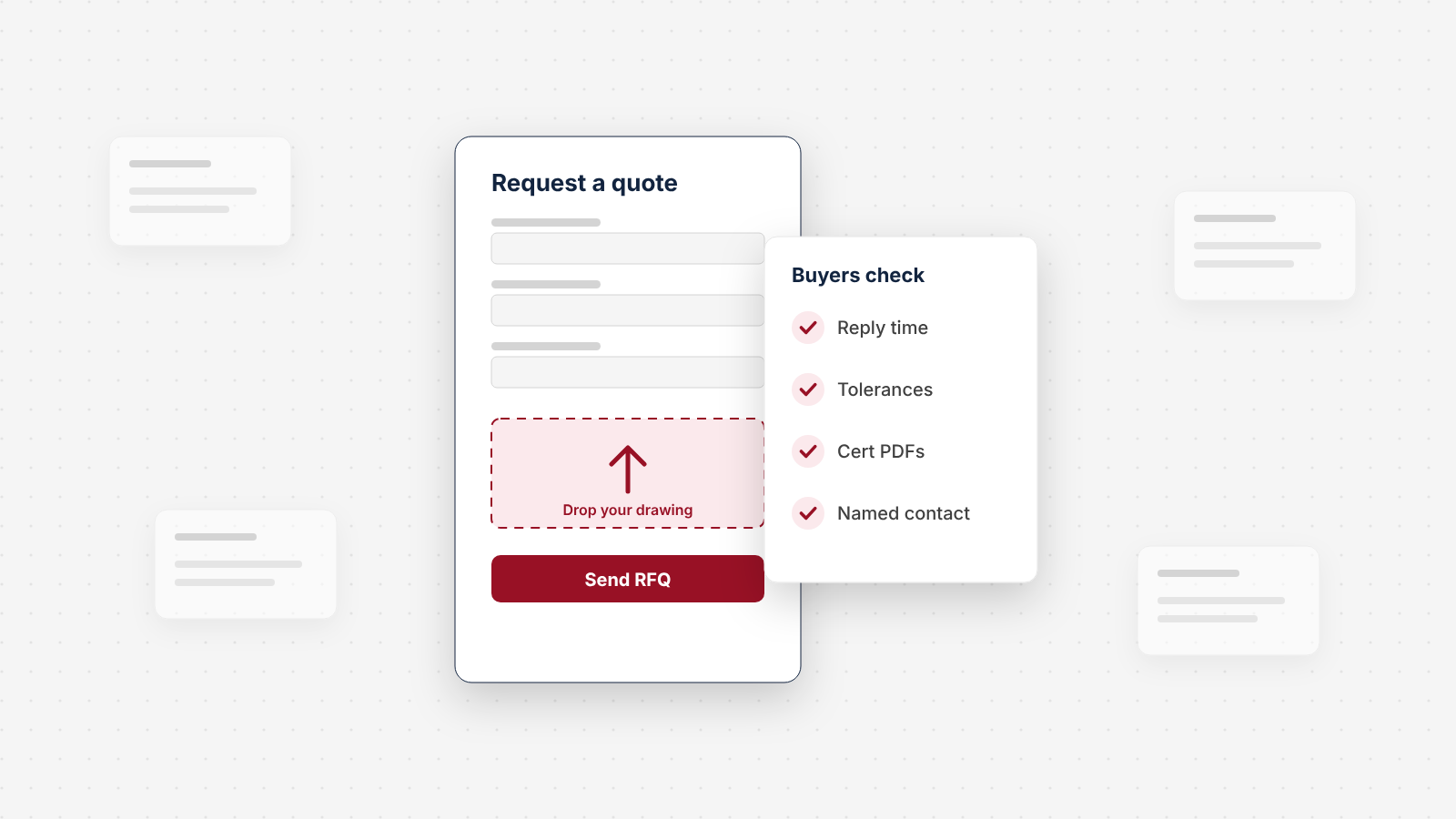
We Audited the Quote Request Path on 150 Manufacturer Websites
We checked how 150 US manufacturers handle the moment a buyer wants a quote: the form, the file upload, the reply promise, the specs and proof around it, and the email behind it. About half have a dedicated quote form. Only 7% say when they'll reply. Here's what we found, sector by sector, and a 10-point check for your own site.
 UX & Web Design
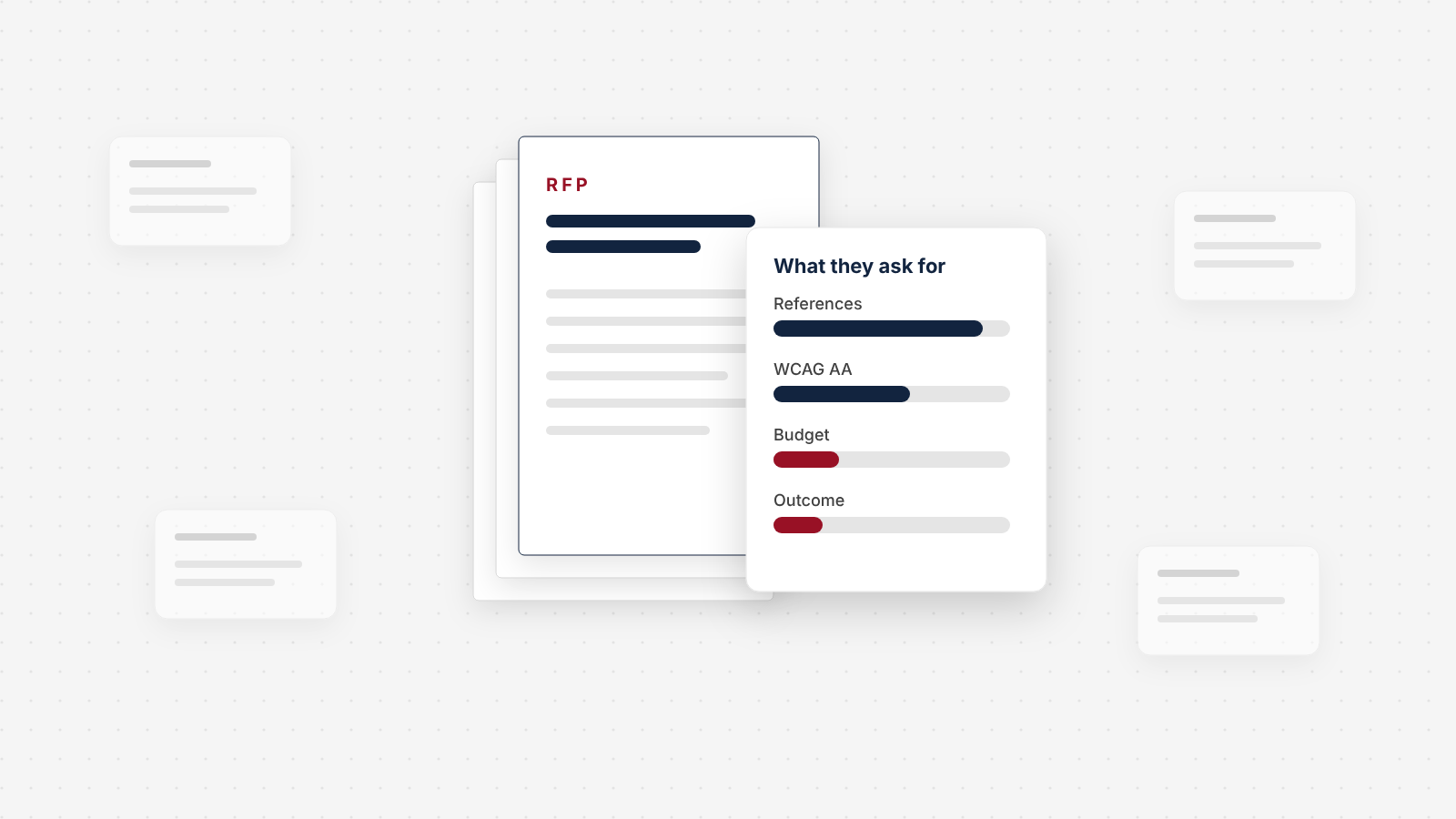
We Read 79 Website RFPs. Here's What They Ask For
Our study of 79 public website redesign RFPs from 2024 to 2026: how often they state a budget, how little price counts in the score, and how few say what the new site has to achieve.
Ready to talk about your site?
Book a call with Chykalophia. We focus on your business, your goals and what is in the way, and tell you fast if we are a fit.
Strategies for businesses building what's next.
The Next Draft: occasional notes on turning B2B websites into pipeline. Unsubscribe any time.

