
The Website Redesign Checklist, Starting Before the Design
Most redesign checklists start with the design. Ours starts with the number the site has to move and the redirect map that protects your search traffic. Seven phases, 58 items, tick them off as you go.
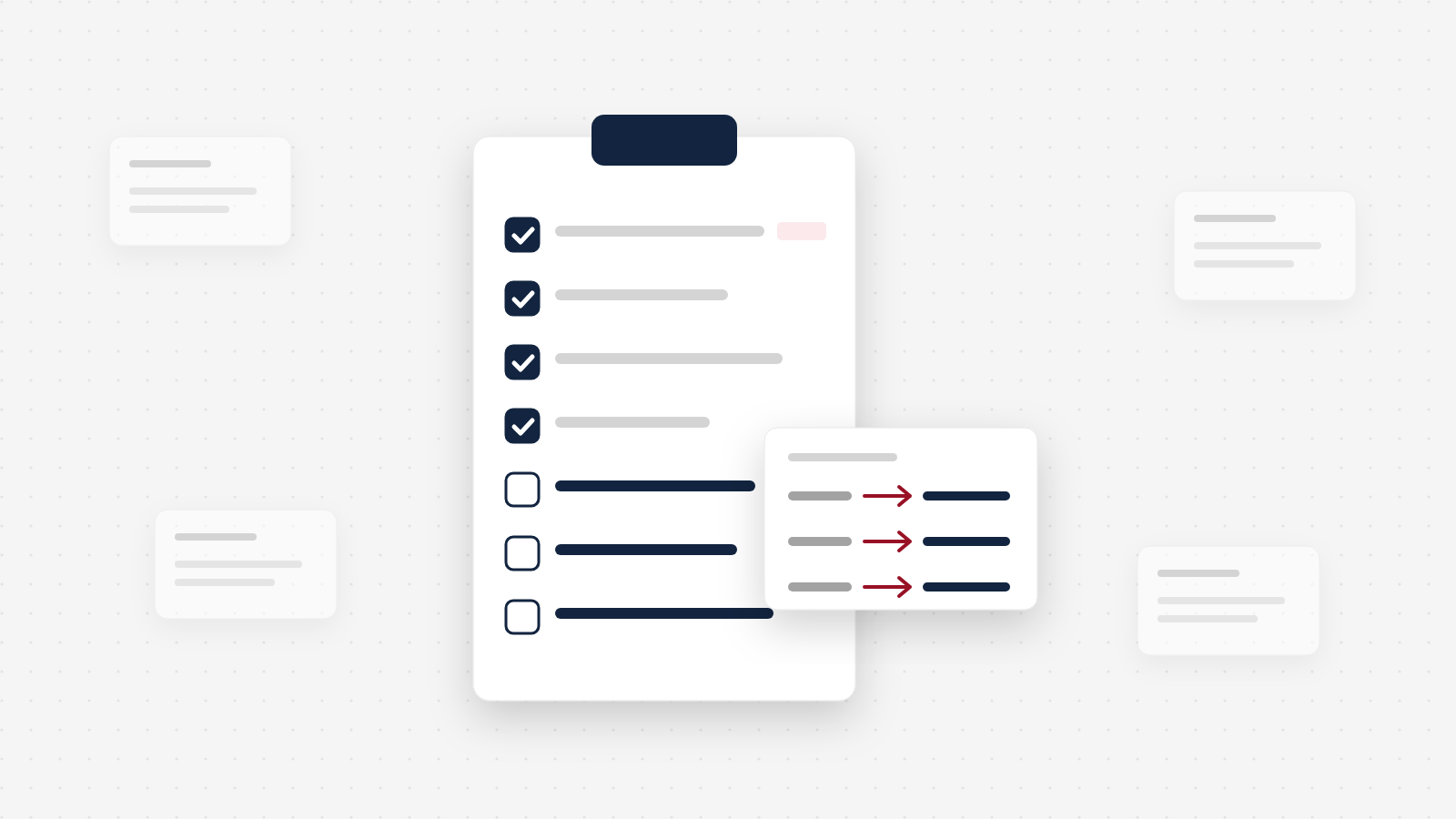
A website redesign checklist that starts with the design is upside down. The expensive mistakes in a redesign are not about colors or layouts. They happen when nobody wrote down how many inquiries the old site produced, so nobody can say whether the new one is better, and when nobody mapped the old URLs, so years of search traffic disappear on launch day. Start with the baseline and the redirect map. The design comes later, on purpose.
What a website redesign checklist should cover
A website redesign checklist should cover seven phases, and each one ends with a test you can pass or fail:
- Before you start. Can you name the number this redesign must move, and today's value of it?
- Plan. Is there a written brief that says who the site is for, what it must produce, who decides, and by when?
- Content. Do the pages buyers use to decide have new words, approved by someone who sells?
- Design and build. Can a first-time buyer on a phone find the right product and send an inquiry in under a minute?
- SEO and migration. Does every old URL with traffic or links have a tested home on the new site?
- Launch week. Did a test inquiry from every form land in the CRM, and does every mapped redirect resolve?
- First 90 days. Have you compared the number from phase 1 at 30, 60 and 90 days, on comparable traffic?
Most checklists you will find cover phases 4 to 6 well. They are written for the person doing the build. Phases 1, 2 and 7 are the owner's job, and they are the ones that decide whether the money was well spent.
Why most redesign checklists start in the wrong place
Search for a website redesign checklist and most of what you find is a build checklist: audit, wireframes, design, development, QA, launch. Every step is correct. What is missing is the question that should come before all of them: what is this site supposed to produce, and how will we know?
Skip that question and two things go wrong. First, nobody can tell you after launch whether the redesign worked, because there was no "before." Second, the design drives every decision, and the parts of a site that make money (the inquiry path, the pages that rank, the forms that feed the CRM) get treated as details to sort out near the end.
The second one can be expensive. Marcus Miller, writing in Search Engine Land, describes a small multiple sclerosis charity that relaunched its website after a 12-month redesign. Organic traffic dropped by over 90%, and it stayed low (Search Engine Land). It is one case, written up by the SEO consultant who was brought in to fix it, so read it as an example rather than a rate. But it is the failure every redesign risks when the URL map is an afterthought. His team later recovered around 90% of the lost traffic. That took work nobody had budgeted for.
If you cannot name the number the redesign should move, you are not ready to start it.
The interactive website redesign checklist
Here is the whole checklist, one phase per tab. Tick items as you go and the summary keeps count, including how many of the 10 critical items are still open. Switch on focus mode to see only those 10 if you are short on time. Your ticks stay in this browser, so you can come back to it.
The redesign checklist
58 items in seven phases, ten of them critical. Tick what is done; your ticks stay in this browser only.
0 of 58 done
Phase 1 of 7
Before you start
Pass test: Can you name the number this redesign must move, and today’s value of it?
Critical items open: 10
Start with the first tab. The design comes later on purpose.
If you only do the critical items, you will have a baseline, a decision maker, rewritten decision pages, a tested redirect map, forms that reach your CRM, and a 90-day comparison. That is the part that protects your leads and your search traffic. Everything else makes the project smoother.
Why each phase matters
You do not need us to repeat 58 items. Here is the reasoning behind each phase, and the items that carry most of the weight.
Before you start: name the number, then record it
This is the step almost every redesign skips, and it costs the least to do. Pick the one number the site exists to move. For most B2B companies that is qualified inquiries a month. For a manufacturer it is often RFQs, which sit much closer to revenue than a general contact form.
Then decide whether you need a redesign at all. If the site still describes what you sell and the platform still works, a refresh of your most important pages may get you most of the result for a fraction of the risk. Our docs guide on whether you need a redesign or a refresh has a short diagnostic.
How to do it
- Export 12 months of leads from your CRM, or count them in the inbox the site sends to. Filter to the website as the source if you track it.
- Remove spam, job seekers and vendor pitches. What is left is your qualified inquiry count. Count RFQs on their own line.
- In Google Analytics, compare form submission events with sessions for the same months. That ratio is your visit-to-inquiry conversion rate. If tracking was never set up, write "unknown." That is an honest baseline, and it tells you measurement is the first job.
- Write the source next to every number. That is what lets you measure the same way after launch.
See a worked example
A baseline line reads like this: "Qualified inquiries per month: [number], 12-month average, from HubSpot, lead source = website, excluding spam, job seekers and vendor pitches. RFQs per month: [number], same source and filters." Anyone on your team should be able to rerun it in 90 days and get a comparable figure.
Tools to use
Google Analytics for sessions and form events, Google Search Console for search clicks, and our free Conversion Leak Scorecard, which grades your current page from its URL and gives you a "today" line to put next to your numbers. Our docs guide on the ROI of a website redesign covers what else is worth recording.
Steal our AI prompt
I'm planning a website redesign and need a baseline I can compare against after launch. Below is an export of our leads for the last 12 months with date, source and a short note on each. Count the website inquiries per month, excluding spam, job seekers and vendor pitches. Count RFQs or quote requests separately. Give me the monthly average for each, flag unusual months, and write a one-sentence definition of "qualified inquiry" based on what you see, so I can apply the same rule after launch. Export: [paste]
Plan: one brief, one decision maker
The plan phase is where you turn the number into something an agency can commit to. Write the target, the window (we use 90 days after launch), what counts as qualified, and the condition that traffic stays comparable, because a cut in ad spend can move inquiries for reasons that have nothing to do with the site.
Then name one person who makes the final call. Not a committee. Every extra approver adds a round of feedback, and conflicting feedback is how an eight-week project becomes a five-month one. If you are inviting agencies to bid, our website redesign RFP template puts the baseline and target at the center of the document, so agencies bid on your number instead of a page count. For a lighter version, see our docs guide on writing a website brief.
Content: write for the buyer who will never call you first
B2B buyers do much of their evaluation alone. In a Gartner survey of 646 B2B buyers, conducted in August and September 2025, 67% said they prefer a rep-free buying experience (Gartner, March 2026). It is a survey of stated preference, so read it as direction, not a forecast of your pipeline. The implication is clear enough: the pages buyers use to decide have to answer the questions your sales team would answer on a call.
That is why content comes before design in this checklist. A new design wrapped around the same unclear words gets the same results. Have your sales team read the home page, the main product or service pages, the industries pages and the RFQ page before anyone designs them. If they would not send a prospect there with confidence, rewrite it while changes are still cheap. For manufacturers, check every spec sheet and product detail too. A wrong dimension in a PDF does more damage than an old font.
Design and build: start with the inquiry path
Approve the page structure before anyone opens a design file, and design the inquiry path first. The RFQ or contact flow is where the site earns its money, so it should get the most attention, not the homepage hero.
Two build items matter more than they look. Build on a staging copy, so the site that still brings in leads keeps working while you test. And set up an analytics event for every conversion (forms, calls, RFQs, key downloads) before launch. Without them there is no "after" to compare with your baseline.
When we rebuilt the site for Telling Industries, a manufacturer with a technically complex product line, the work centered on how buyers find and configure the right product, including a custom product configurator. Qualified leads tripled after launch. You can only make a claim like that when there was a "before" to measure against.
SEO and migration: build the redirect map before the design
This is the phase with its own section below, because it is where redesigns lose the most. The short version: export your top pages by clicks and backlinks, keep URLs that already work, and map every URL that changes to its closest new page. Do it early, while the new structure is still a plan, because a page that has traffic and links may deserve a place in the new navigation.
Launch week: test the parts that make money
A new website launch checklist (Orbit Media's runs to 49 items, and it is a good one) covers dozens of details. Two of them decide whether you lose leads in the first week: forms and redirects.
How to do it
- Submit every form on the site. Confirm the notification email arrives, the record appears in your CRM with the right source, and analytics records a conversion. Orbit Media's checklist adds two good checks: the submitter gets an auto-response, and the site stores the submission in case the email fails.
- Crawl your old URL list (the sitemap you saved) and confirm every one returns a redirect to the right page, not a 404 and not a chain of redirects.
- Check that robots.txt and page settings no longer carry the staging site's "do not index" instructions.
- Submit the new sitemap in Google Search Console.
Guides to use
Our docs guides on testing your contact and order forms and the pre-launch checklist for a big update, and Orbit Media's 49-item website launch checklist.
And launch early in the week. Orbit Media's checklist says plainly not to launch on a Friday (Orbit Media). You want your team and your agency at their desks for the first days of real traffic.
First 90 days: prove it against the baseline
"Monitor after launch" is where most checklists stop. Monitor what, against what? Go back to the number from phase 1 and compare it at 30, 60 and 90 days, using the same source, the same definition of qualified, and comparable traffic. Then ask sales which of the new inquiries turned into real opportunities. More inquiries of the wrong kind is not a win.
Resist redesigning in month one. Colleagues will have opinions about photos and colors. Write them down and wait for data. By month three, find the pages that get traffic but no inquiries, and pick two or three improvements. Our docs guide to your first 90 days after launch has a month-by-month plan.
This is also how we hold ourselves to account on The Conversion System. Before we start, we agree the baseline conversion rate and the metric we are moving, in writing. We design to double it within 90 days of launch. If we do not, we keep working at our cost until we do. When Walsh Natural Health relaunched with us, sales rose 100% in the first month after launch. Without a baseline, neither number would mean anything.
How to redesign your website without losing SEO
To redesign a website without losing SEO, protect the URLs that earn your traffic before anything else changes. Google ranks specific pages at specific addresses. When an address changes without a redirect, Google treats the old page as gone and the new one as unproven. Here is the order we work in.
- Export what ranks. In Google Search Console, open Performance, set the range to the last 12 months, switch to Pages, and export by clicks. Add the pages with the most backlinks from a backlink tool. These are the pages you cannot afford to lose.
- Keep URLs that work. A URL that does not change needs no redirect and carries no risk. Change addresses only where the new structure genuinely needs it.
- Map every changed URL to its closest match. Old URL in one column, new URL in the next, one row per page. Google says it is important to map your old site's URLs to the URLs for the new site, and warns against redirecting many old URLs to one irrelevant destination such as the new homepage, which might be treated as a soft 404 (Google Search Central). Merging several old pages into one genuinely combined page is fine.
- Carry over titles, descriptions and main headings on your top pages. Copy them into a spreadsheet before the build. Improve them on purpose, never by accident.
- Keep content that ranks. A page that ranks well should be improved carefully, not rewritten from scratch, or it can lose the query it ranked for.
- Do not change everything at once. A new domain, a new platform and a new brand in one launch makes it very hard to know what caused a drop.
- After launch, watch and fix. Submit the new sitemap, check Search Console weekly for "not found" errors, and add redirects for anything you missed.
Expect some movement. Google notes that the visibility of your content in Search may fluctuate temporarily during a move, and that it can take a few weeks or more for Google to start showing the new URLs instead of the old ones (Google Search Central). Keep the redirects for as long as possible, generally at least one year, in Google's words. A dip that recovers over a few weeks is normal. A drop that lasts usually means missed redirects, lost content, or a staging setting still blocking crawlers.
A redesign done this way can grow search traffic rather than just protect it. After we revamped OnShore Technology Group's existing websites, branding and UX, its CEO, Valarie King-Bailey, said she "saw a significant increase in organic traffic and leads" (OnShore Technology Group).
For the full walkthrough, see our docs guide on keeping your SEO through a migration and Google's own guidance on site moves with URL changes.
What you have to supply as the owner
Every checklist above is partly a list of things only you can provide. The agency does the work. These are on your side, and they are the most common reasons projects run late:
- Access in your company's name. Domain, hosting, analytics, Search Console, CRM and any form or email tools. If the old agency holds the logins, fix it before kickoff. Our access checklist for a new project lists them, and website ownership explains why it matters.
- The baseline numbers, or permission to pull them.
- One decision maker, with time to approve work inside the agreed review windows.
- Time with the people who talk to customers. Sales and customer service know the objections the site has to answer.
- Content and proof. Product photos, spec sheets, certifications, case studies and team photos, or a decision about who will create them.
- Your team's hours. On our Conversion System projects, a client's team typically spends around 40 hours with us across the project, in interviews, reviews and approvals. Put that on the calendar before you set the launch date.
Budget matters here too. Content, integrations and migration are the parts most often missing from a cheap quote, and you end up paying for them later. Our breakdown of what a B2B website redesign really costs shows what moves a quote and what our own projects have cost.
When this checklist is more than you need
Not every tired website needs a redesign. If the business has not changed, the platform is sound and buyers can find what they need, rewriting the copy on your two or three most important pages and watching the numbers for a couple of months may be the better project. If inquiries improve, you have saved a redesign. If nothing moves, you go into the redesign with real evidence of where the problem is. When one page or one flow is the problem, a focused fix is usually faster and cheaper than a full rebuild.
The checklist also cannot fix what happens after the inquiry arrives. If quotes take a week to go out, a better website sends you more requests that still go cold. And a baseline will not make a weak site strong on its own. It just makes sure you know, 90 days from now, whether the money you spent moved the number you cared about.
Website redesign checklist questions owners ask
What should be on a website redesign checklist?
Seven phases: decide whether you need a redesign and record your baseline, plan the brief and who decides, rewrite the content buyers use to decide, design and build on staging with tracking in place, map and test every redirect, run a launch week that tests every form into the CRM, and compare results to the baseline at 30, 60 and 90 days. Most published checklists cover the build and skip the first and last phases, which are the ones that tell you whether the redesign worked.
What should I do before redesigning my website?
Write down the one number the site should move, usually qualified inquiries or RFQs a month, and record 12 months of it from your CRM or inbox. Export your top pages by clicks from Google Search Console. Make sure your company owns the domain, hosting and analytics accounts. Then decide whether you need a full redesign at all, or a refresh of the pages that matter.
How do I redesign my website without losing SEO?
Export your top pages by clicks and backlinks before anything changes, keep URLs that work, and map every old URL that changes to its closest new page with a 301 redirect. Never point old pages at the homepage. Carry over titles and headings on top pages, test every redirect on launch day, submit the new sitemap, and watch Search Console for 404 errors for the first weeks. Google advises keeping redirects for at least a year.
Why did my traffic drop after a website redesign?
Some fluctuation is normal while Google recrawls a moved site. A large or lasting drop usually means old URLs were not redirected, pages that ranked were cut or rewritten, or the new site is blocked from crawling by a leftover staging setting. Check Search Console for not found errors, compare your old URL list against the redirect map, and check robots.txt and noindex tags first.
How long does a website redesign take?
It depends mostly on scope and on how fast content and approvals move on your side. Our Conversion System runs a fixed eight weeks from kickoff to launch, and a client team typically spends around 40 hours with us across that time. Add the 90 days after launch to your plan, because that is when you find out whether the redesign worked.
Should I launch a new website on a Friday?
No. Orbit Media's launch checklist says plainly not to launch on a Friday, and we agree. Launch early in the week, when your team and your agency are at their desks for the first days of real traffic and can fix a broken form or a missed redirect the same day.
What should I check after a website launch?
In the first week, test every form into the CRM, crawl your old URLs to confirm the redirects, and check that analytics records real conversions. Through the first 90 days, check Search Console weekly for 404s and lost queries, keep test-submitting forms, and compare your main number to the baseline at 30, 60 and 90 days, on the same definition you used before launch.
Keep reading
 UX & Web Design
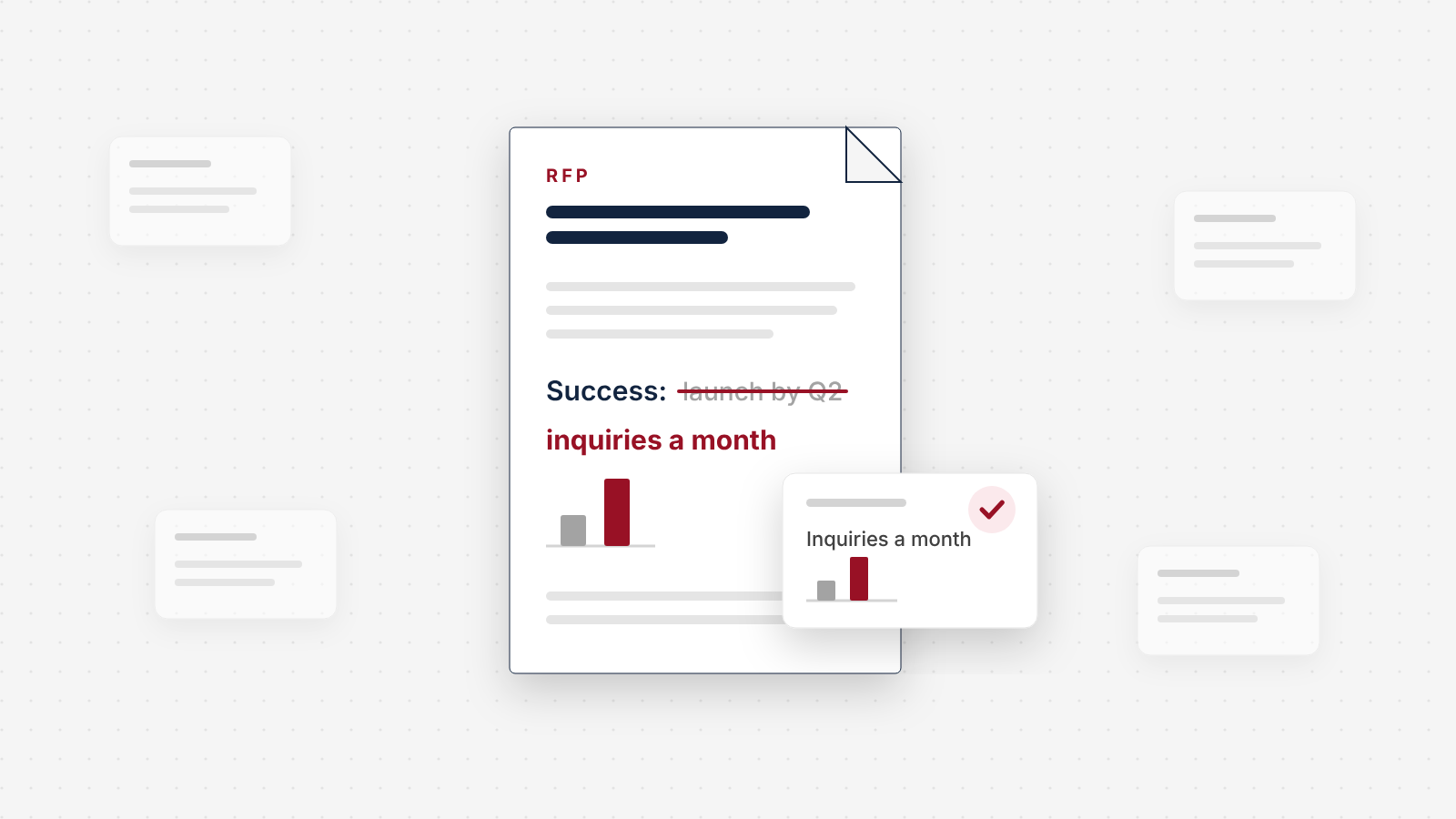
The Website Redesign RFP, With a Free Template
Most website RFPs define success as launch day. This one makes agencies bid against your real numbers. Copy the free two-page template, no form, with an appendix for manufacturers.
 UX & Web Design
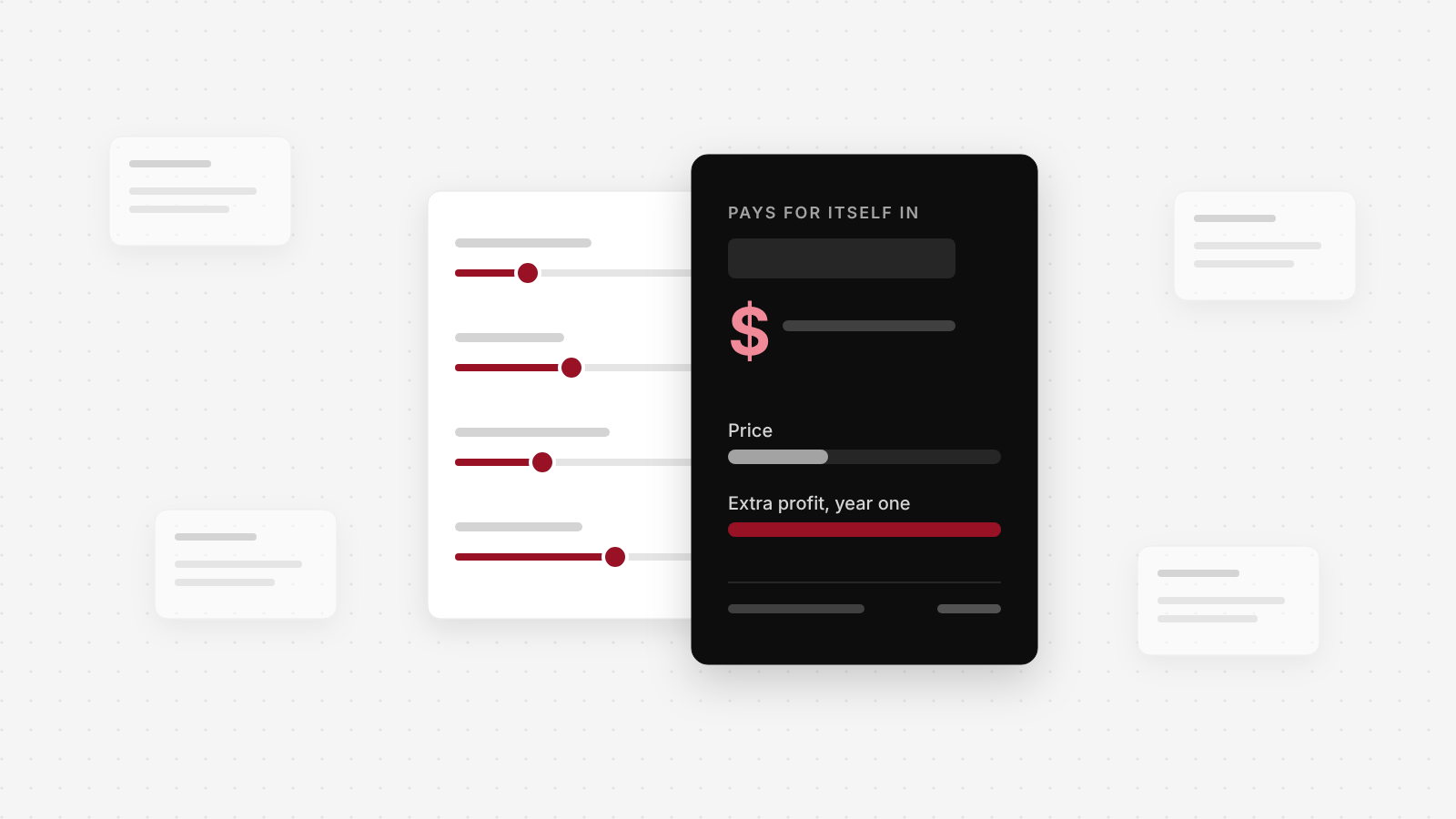
What a B2B Website Redesign Really Costs
Published guides put most B2B redesigns between $50,000 and $150,000, and not one shows its data. Here is our own price, what it buys, and a calculator for the bigger number: what your current site costs you every month.
 UX & Web Design
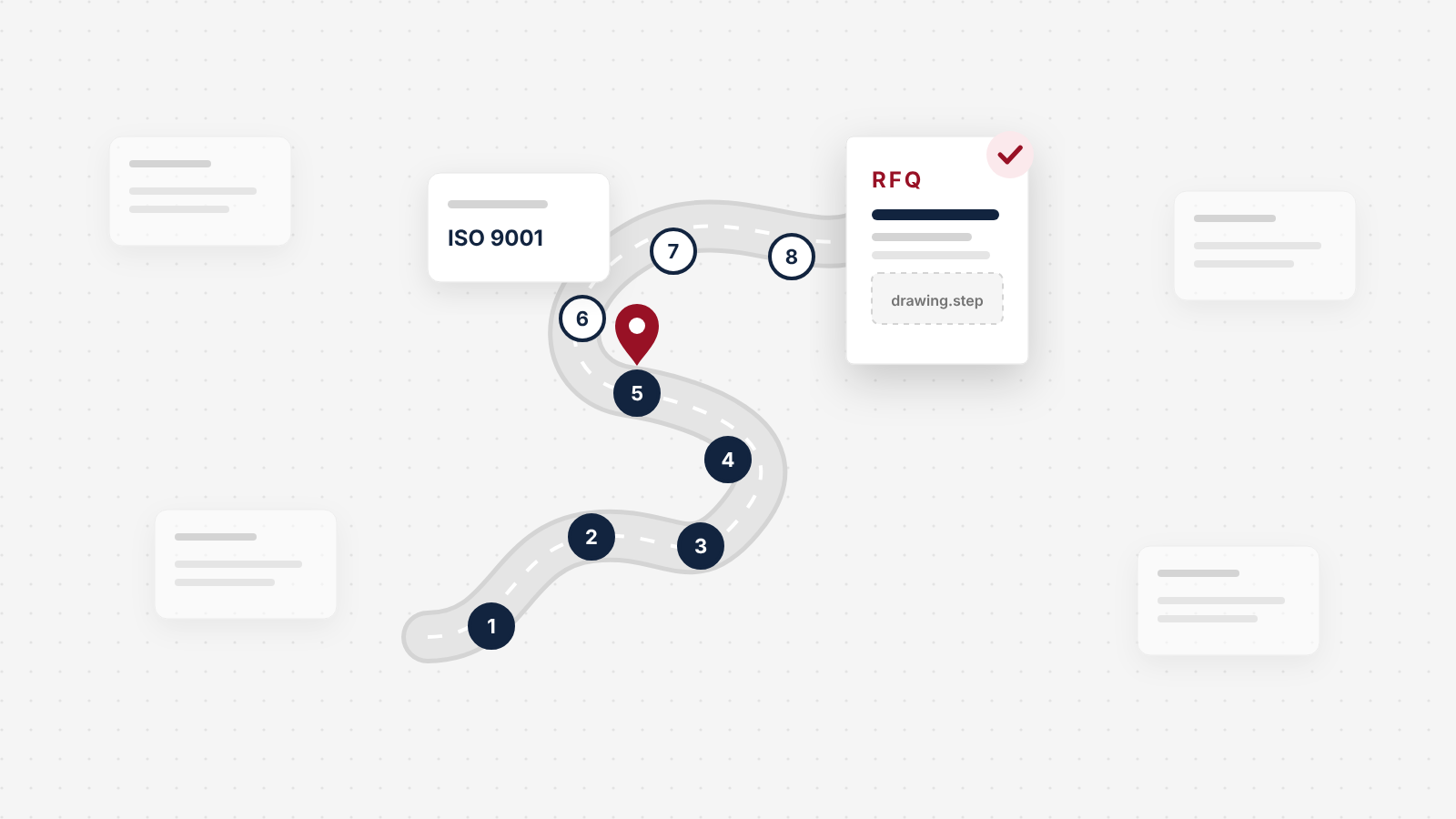
What Manufacturing Buyers Check on Your Website Before They Send an RFQ
Most manufacturing website design advice is a gallery of big-brand sites. This is the buyer's side: the eight checks an engineer or purchasing manager runs on your site, in order, from the first search to the RFQ, and what crosses you off the list at each one.
See exactly where your site is losing conversions
Paste your URL and get an instant conversion score. No form to fill out, no sales call.
Strategies for businesses building what's next.
The Next Draft: occasional notes on turning B2B websites into pipeline. Unsubscribe any time.